Free · HD · No login
Instagram Story Download
Instagram Story Download in HD, free and with no login: type a username or paste a story link, then save any public story as a photo or video.
How to save an Instagram story
Saving a story takes three steps and usually less than a minute. You need no Instagram account, no app and no extension, only the story’s link or the account’s username. This is how it works on a phone or a computer:
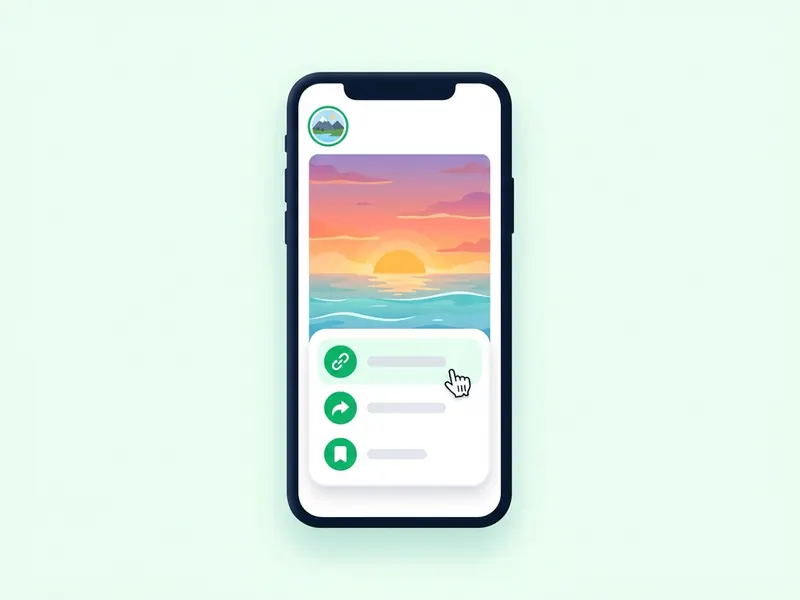
Copy the story link or type the username
In Instagram, open the story, tap the three dots or the paper plane icon and choose Copy link. On a computer, copy the address from the browser bar while the story plays. No link? The account’s username works as well, with or without the @.
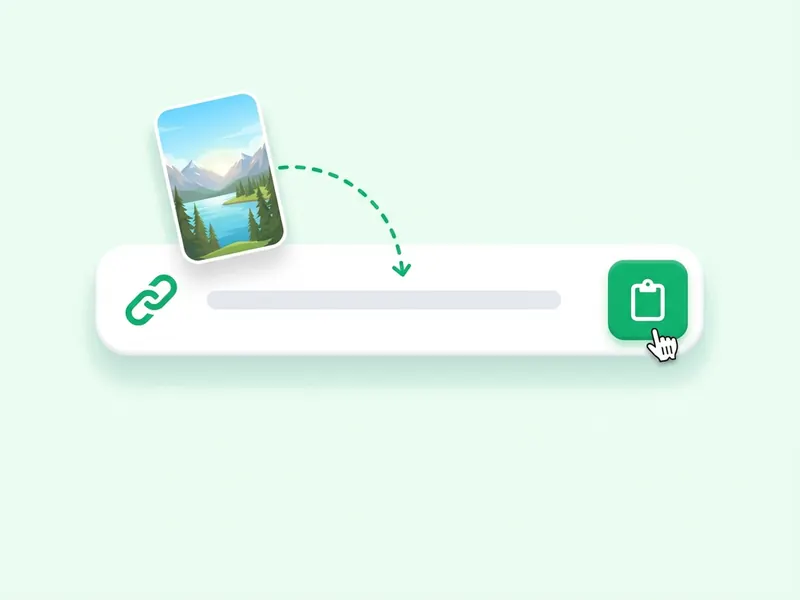
Put it in the box above and tap Download
Paste the link or type the username in the box at the top of this page, then tap Download. The account’s current stories come up as photos and videos, usually within a few seconds, so you can check you have the right one before you save it.
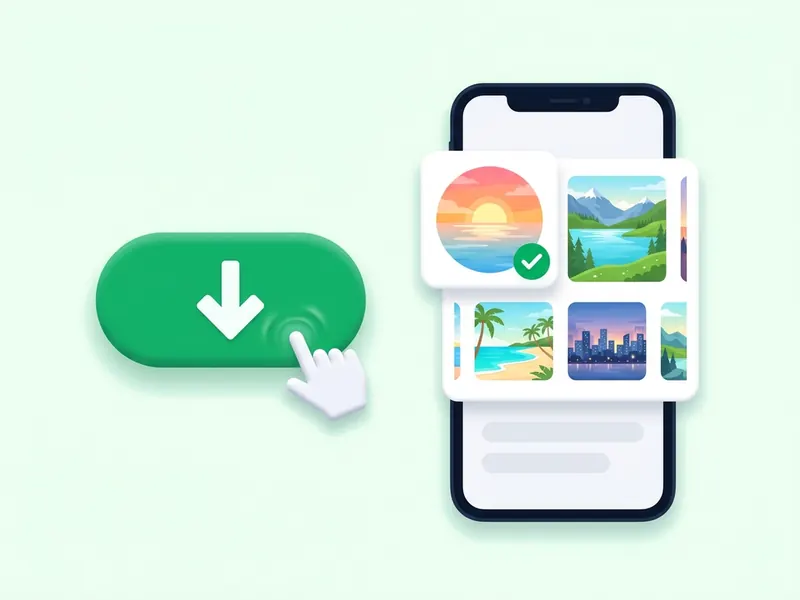
Save the photo or video you want
Tap the download button under the story you want. On an iPhone, choose Save Image or Save Video and it goes to Photos; on Android, Windows or Mac the file lands in Downloads. Want every story at once? Tap Download all as ZIP.
That is all there is to it. The same three steps work for photo and video stories from any public account, with no daily limit. Stories disappear after 24 hours, so save the ones you want to keep while they are still up.
Download an Instagram story by link or by username
Two ways in. Both end with the story saved on your device.
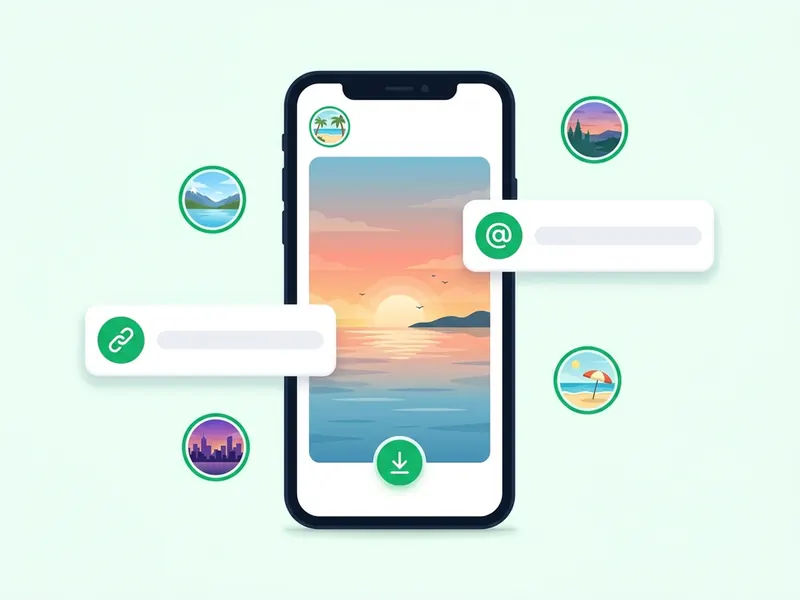
By link: open the story in Instagram, tap the three dots or the paper plane icon, and choose Copy link. Paste it into the box at the top of this page and press Download. The story comes up as a photo or a video with its own download button.
By username: type the account's username, with or without the @, and press Download. You get every story the account has up right now. Save the ones you want one at a time, or take them all in a single ZIP file.
Either way, the account has to be public. Stories vanish 24 hours after they are posted, so save anything you want to keep while it is still up. Nobody is told that you saved it.
Why choose storydownload?
Most Instagram downloaders were built for posts, with stories added later. storydownload starts with stories: type a username and every story the account has up right now appears, ready to watch or save, while your name stays off its viewer list. There is no account to make, nothing to install and no Instagram password to hand over.
What you get, free:
- Stories first: type a username to see every current story, or paste the link to a single one.
- Off the viewer list: stories load through this site, not through your account, so the owner never sees your name.
- No login, no password: you never connect your Instagram account, so there is nothing of yours to leak.
- The file Instagram serves: photos as JPG and videos as MP4 with their audio, at the resolution Instagram serves, with no watermark added.
- Highlights as well: paste a highlight link to save every story in it, one at a time or as one ZIP.
- Any device: iPhone, Android, Windows, Mac and tablets, in the browser you already use.
- Free, with no daily limit: only if you look up a lot within one minute does the page ask you to wait up to a minute.
- Honest about privacy: it works with public accounts only, and private stories stay with the followers their owner approved.
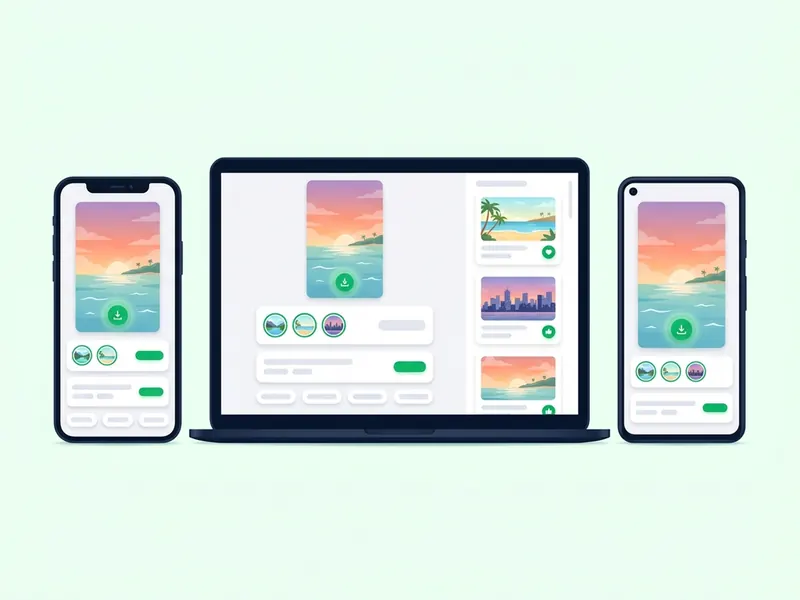
Instagram story downloader for iPhone, Android and PC
This story downloader works in the browser on any phone, tablet or computer. The steps are the same everywhere: copy a link or type a username, then press Download. Only the place your file ends up changes.
Where your download goes
- iPhone: after you tap Download, a share sheet opens. Choose Save Image or Save Video and the file goes to Photos.
- iPad: the same share sheet appears, so downloads save to Photos just as they do on an iPhone.
- Android: the file goes to your Downloads folder, and your gallery or Google Photos shows it from there.
- Windows PC: Chrome, Edge and Firefox put the file in your Downloads folder.
- Mac: Safari and Chrome save to Downloads, ready to open in Photos or QuickTime.
- Several files as one ZIP: on a phone, open it from the Files app; on a computer, double-click it.
- Android tablets and Chromebooks work too. Any up-to-date browser is enough.
- Phone or computer, you never sign in to Instagram to download anything.
Save Instagram stories in HD, without a watermark
The file you get is the one Instagram itself serves for that story. This is what happens between your tap and the saved file:
We find the original file
We look up the story and fetch the media file itself, not a preview or a thumbnail.
Nothing gets added
The file is passed to you as it is. No logo, no watermark, and no re-encoding that would soften the picture.
You save it in HD
Story photos are usually 1080 x 1920 pixels. Story videos are usually 720p or 1080p, which is HD.
Quality cannot go higher than what Instagram stores. If a story looks soft in the app, the saved file will look the same, because it is the same file.
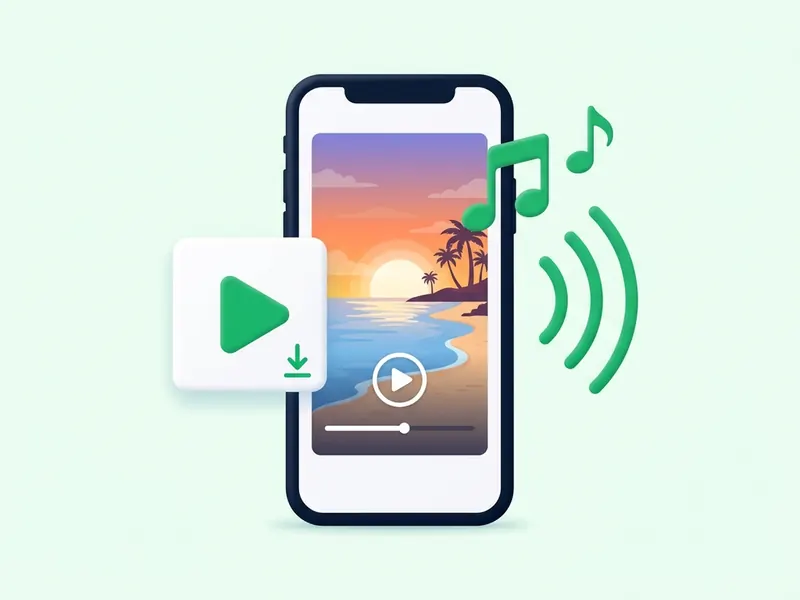
Instagram story to MP4 with sound and music
Stories save as MP4 or JPG
- Every video story saves as an MP4 file, the format phones, computers and video editors all open.
- The MP4 is the file Instagram serves for that story, not a screen recording or a re-encoded copy.
- Photo stories save as JPG images, at the size Instagram serves them.
- You can trim it, drop it into a video project or keep it with your other clips, like any MP4.
- Once saved, the MP4 plays offline: on a flight, on the subway, anywhere without signal.
Stories with music
- When a video story has music, the song is mixed into the video file, so it plays in the MP4 you save.
- Voices and other sounds come along the same way, in time with the picture.
- A photo story with a song saves as an MP4 with the music when Instagram serves it as a short video.
- If Instagram serves that photo story as a still image, you get a JPG, and an image cannot carry sound.
- Saved songs are for your own listening. Reposting someone's story, music and all, needs their permission.
A story saver with no app or extension
Everything here runs in your browser, so there is nothing to install, update or give permissions to. The story downloader is at the top of this page. Every other tool has its own page:
Anonymous Instagram Story Viewer
Type a username to watch an account's current stories without appearing in its viewer list. Save any of them as you go.
Try it now
Instagram Highlights Downloader
Paste a highlight link to get every story saved in it, in order. Download them one by one or all together as a ZIP.
Try it now
Instagram Reels Downloader
Save a reel as an MP4 with its sound, at the quality Instagram serves and with no watermark.
Try it now
Instagram Video Downloader
Download the video from a public Instagram post as an MP4 file, ready to watch offline.
Try it now
Instagram Photo Downloader
Save the photos from a public post as JPG images, at the resolution Instagram serves.
Try it now
Instagram Carousel Downloader
Get every slide of a multi-photo or multi-video post, one at a time or all at once in a ZIP.
Try it now
Instagram Profile Picture Downloader
Type a username to view an account's profile picture up close and save a copy.
Try it now
Watch Instagram stories anonymously before you download
Not sure which story you want? Open the anonymous story viewer, type a username, and see the account's current stories before you save anything.
- What you type: A username, with or without the @, or a link to the profile.
- Which accounts: Public accounts only. Stories from a private account stay private.
- Viewer list: Your name is not added, because the stories load through this site and not through your account.
- Login: None. You never sign in to Instagram here.
- What you see: Every story the account has up right now, as a grid of photos and videos.
- Playing: Tap a story to play it on the page, then tap left or right to move between stories.
- Saving: Every story has a download button, in the grid and in the player.
- Nothing found: If no stories appear, the account is private or has none up right now. The viewer cannot tell which.
Download Instagram highlights too
Highlights are stories an account keeps on its profile, so they stay after the 24 hours are up. Copy a highlight link and paste it into the highlights downloader to save every story in it. Here is how storydownload compares with a typical downloader:
| Feature | storydownload | Typical competitors |
|---|---|---|
| A whole highlight from one link | Every story in it, in order | Often one story at a time |
| Current stories from a username | All of them together | Not on every site |
| Watch before you save | Built-in anonymous viewer | Sometimes a separate site |
| Watermark | Never added | Sometimes added |
| Instagram login | Never asked for | Sometimes required |
| App or extension | Not needed | Often pushed on you |
| Price | Free | Free, with paid upgrades |
| Copies of your files | None kept | Not always clear |